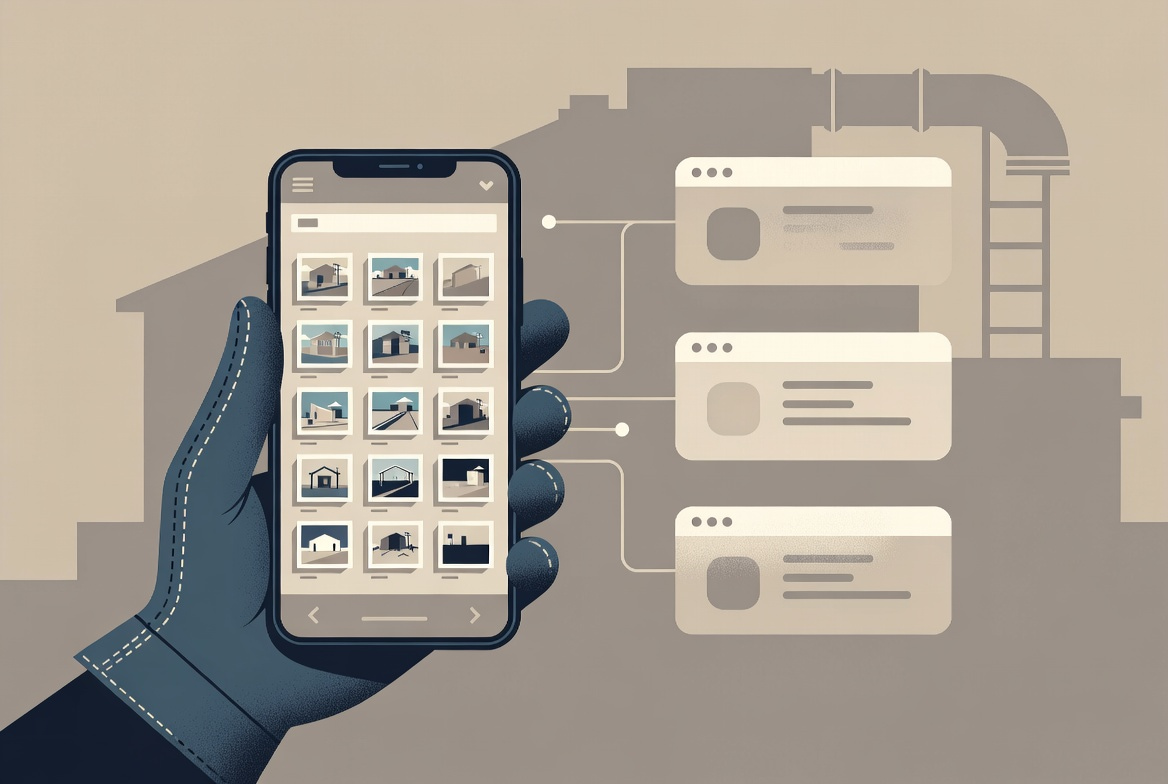
For years, the contractors who documented their work well used a dedicated contractor photo app, and everyone else used their phone’s camera roll and hoped for the best. That line is blurring fast. Over about two weeks in May 2026, two of the biggest field-service platforms both shipped photo-and-file features aimed squarely at the work that used to belong to standalone tools.
If you run a plumbing, HVAC, electrical, roofing, or remodeling business, this matters for one practical reason: the photo you take on a job site is the cheapest insurance you’ll ever buy. It’s proof of what the wall looked like before you opened it, evidence for a warranty or insurance claim, the reference your estimator needs to scope the next phase, and the thing that ends a “you never did that” argument before it starts. The question in 2026 is no longer whether you document — it’s which tool you do it in, and whether you’re paying for two when one would do.
Here’s an honest read on the three tools worth your attention, and who each one is actually for.
What just shipped
Housecall Pro rolled its photo work into its big spring release. The headline feature for documentation is job photo reports: you organize photos into structured sections, add an executive summary, and send a clean, shareable report after a job — visual proof of work meant to cut down on disputes and back-and-forth follow-ups. It landed alongside a full app and web redesign, route-based scheduling, commissions, and automated sales tax. (Source: Housecall Pro’s May 2026 release notes.)
Jobber, within the same two weeks, launched a files and media library: a filterable, client-level gallery that pulls together every photo, video, and document tied to a client — no matter whether it originated in a note, a checklist, or a custom form. Attachments that used to live buried on individual jobs now also surface in one place, with nothing to re-upload. (Source: Jobber’s product update; the library is listed as a Plus-plan feature.)
Neither move is an accident. Photo documentation is sticky — once your last two years of job history live inside a tool, you don’t leave it. Both platforms know that, and both are trying to make sure you never have a reason to open a second app.
The specialist that started it: CompanyCam
The tool both of those releases are circling is CompanyCam, which has built its entire product around job-site photos. On its own features page, the depth shows: every photo is time-stamped and location-stamped the instant you take it, storage is unlimited, and the whole team sees it immediately. You can annotate photos directly — text, drawings, even measurements — share live project timelines with clients and subs through a link that updates in real time, organize everything with tags and labels, and generate shareable reports (including AI-drafted ones) that export to PDF. (The same photo library can feed your marketing, too — it’s the raw material for workflows like turning finished jobs into more 5-star reviews.)
The part most “should I switch?” conversations miss: CompanyCam integrates with both Housecall Pro and Jobber (it lists 50+ integrations in total). So this isn’t a clean either/or. You can shoot and organize photos in CompanyCam and still have them flow into the field-service platform where you run the rest of your business.
So which one do you actually need?
This is where the marketing pages stop being helpful. The right answer depends on how photo-heavy your work is and how much you value not paying for a second subscription.
If you already run on Housecall Pro or Jobber and you mostly need proof-of-work and a tidy client report: start with what you already pay for. HCP’s job photo reports and Jobber’s files library are genuinely good enough for a lot of service shops — a clean before/after report, all your job photos in one searchable place, no extra login. Don’t bolt on a second tool to solve a problem your current one now handles.
If you’re in a photo-intensive trade — roofing, restoration, exteriors, solar — or you live and die by annotations, measurements, real-time timeline sharing, and insurance-ready reports: the depth still favors the specialist. CompanyCam was built for exactly this volume and these workflows, and because it pushes back into HCP or Jobber, you don’t have to give up your operations hub to get it. This is the case where paying for two tools can actually pencil out. That said, if you already run Housecall Pro or Jobber, both added built-in photo tools in May 2026 — see how the built-in options stack up against CompanyCam before paying for a second app.
Skip the standalone app if: you’re a small shop with low photo volume, you don’t want one more subscription and login for your crew to ignore, or your built-in tool already covers the handful of photos you send per job. The best documentation tool is the one your techs will actually use in the field — a deeper app that sits unopened is worse than a basic one that’s part of their daily flow.
The takeaway
The standalone-vs-built-in line is going to keep blurring, and that’s good for you — it means real photo documentation is becoming table stakes instead of a premium add-on. If you’re already paying for Housecall Pro or Jobber, the move this month is simple: go turn the new features on and see if they cover you before you spend anywhere else. If they don’t — and for photo-driven trades they often won’t — CompanyCam is the specialist, and it’ll still talk to the platform you’re already running. And while you’re in there flipping features on, it’s worth auditing the AI tools already sitting unused in those same subscriptions.
Document everything. Your future self, standing in front of a homeowner who swears the crack was never there, will thank you.
Augmented Trades participates in affiliate programs and may earn a commission when you sign up through links on this page, at no extra cost to you. We recommend tools by fit, not by payout. Read our full affiliate disclosure.
Want the prompts we use?
We turned our research into a 25-prompt pack for trade contractors — for estimates, client communication, proposals, and business operations. Copy, paste, adapt. Save hours every week.

Michael is the founder of Augmented Trades, an independent site that compares AI and software tools for trade contractors on published pricing, contracts, and real feature limits. Tools are recommended on fit for your shop — affiliate partnerships never decide coverage.